⌘
MacBook Data Recovery
Assistance for MacBook Air and MacBook Pro with inaccessible files, startup trouble, storage faults, or logical data loss.
Explore MacBook recovery →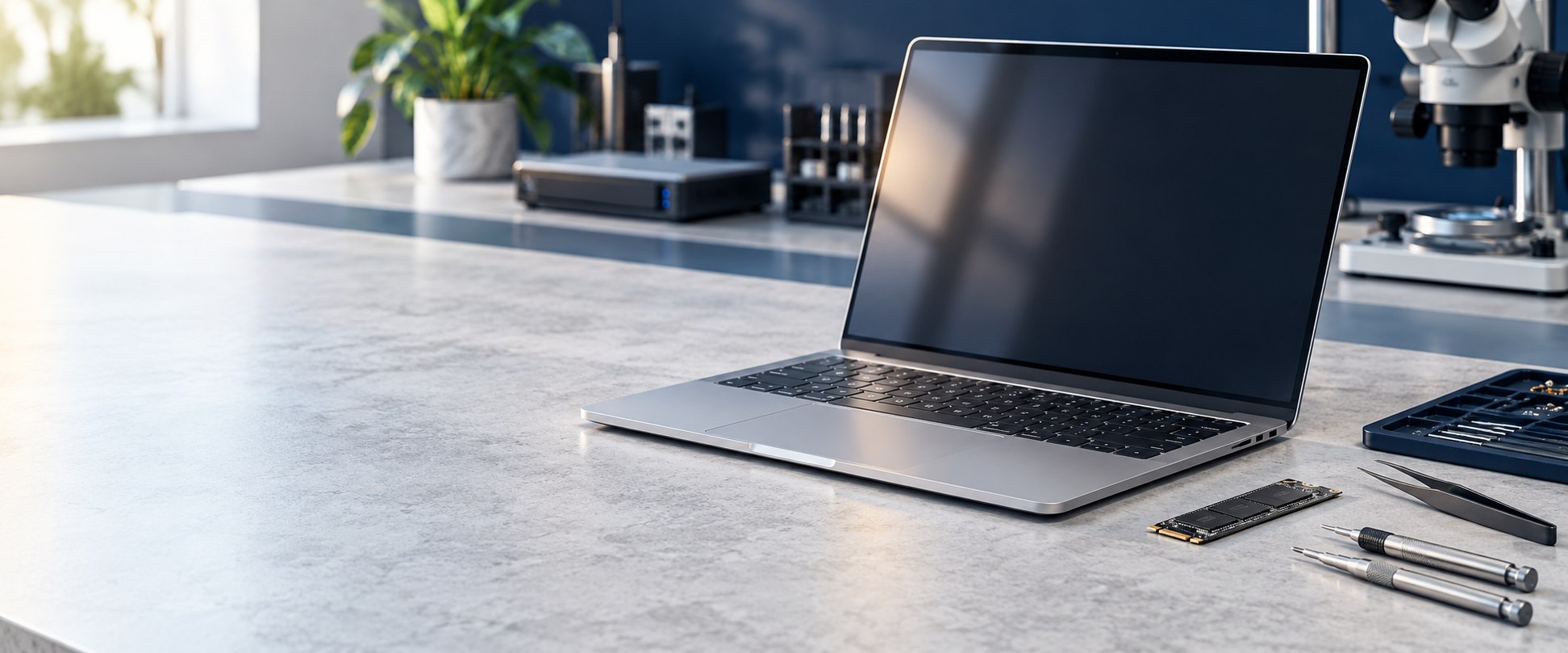
Lost important files from your MacBook or iMac? Get a professional assessment and discuss the available recovery options with our team.
We help with inaccessible storage, startup problems, accidental deletion, and other Apple data loss concerns. Recovery depends on the device, storage condition, and encryption.
Share what happened and we can discuss an assessment. The right approach depends on the Mac model, storage type, and cause of data loss.
Assistance for MacBook Air and MacBook Pro with inaccessible files, startup trouble, storage faults, or logical data loss.
Explore MacBook recovery →Assessment for iMac HDD, SSD, Fusion Drive, file system, and boot related data access problems.
Explore iMac recovery →Help with compatible external drives, SSDs, and other storage media used with Apple computers.
See related services →Support for a range of storage devices. Each case is assessed individually.
Assessment for hard drive faults and inaccessible files.
Data access assessment for compatible solid-state drives.
Help with portable drives that disconnect or cannot be read.
Data recovery assessment for supported laptop storage.
Discuss data access options for supported mobile devices.
Assessment for flash drives, pen drives, and memory cards.
Discuss storage configuration, drive count, and symptoms.
Specialized page with further information on Apple computer recovery.
MacBook & iMac details →Tell us the device type and symptoms; our team can guide your enquiry.
Contact the team →Startup problems do not always mean the stored data is lost. Avoid repeated attempts if the device is behaving unusually; describe what you see and what changed before the issue.
Modern Mac storage may be encrypted and integrated with device security. Apple Silicon and T2 models can have hardware-bound encryption. Access may require the original device and valid credentials. SSD TRIM and physical damage can also limit recovery. No recovery outcome can be promised before assessment.
Please do not erase, reinstall macOS, or repeatedly run repair utilities if the data is important; these actions can change recoverable data.
Read about Mac storage and recovery limits →Each case differs. We explain findings and proposed work so you can make an informed decision before recovery proceeds.
Describe what failed, what data matters, and which steps have been tried.
Discuss the device, symptoms, and ways to arrange assessment.
Review condition and explain proposed approach, risks, costs, and timing where known.
Work proceeds after you understand and approve the scope and charges.
Carry out the approved approach while carefully preserving source media.
Where available, review a file listing or verification before arranging delivery.
Agree on a suitable destination drive and delivery method for recovered data.
Discuss questions about the recovery outcome and next steps for storage.
Recommendations depend on the device, symptoms, and actions already taken.
Understand available options and approve the plan before work proceeds.
Discuss privacy or handling requirements when making an enquiry.
Ask about local service options and arranging an assessment.
Recovery cannot be guaranteed. We explain uncertainty as the case progresses.
We can discuss actions to avoid while you decide what to do.
Independent data recovery service; not affiliated with or endorsed by Apple Inc.
Tell us about operational, privacy, or time constraints when you get in touch.
We handle enquiries from across Mumbai and surrounding areas. Call to confirm current intake and collection options for your location before transporting a device.
42/44, Walker House, Tribhuvan Rd., Lamington Rd., Grant Rd., Mumbai – 400007, Maharashtra, India
Mon–Sat · 10 am–7 pm
Call ahead to confirm intake and collection arrangements before bringing a device.
Possibly. The cause may involve power, the logic board, or storage. On newer Macs, storage and encryption are closely tied to device hardware, so recovery depends on the model and fault.
No. Recovery depends on the condition of the storage, device architecture, encryption, and the nature of the failure. A case-specific assessment is needed.
FileVault and hardware security can protect data. The required credentials, recovery key, original hardware, and device security components may be necessary. We cannot promise access without them.
Stop using the device where possible. Avoid reinstalling macOS or running repair tools if the data matters, and contact the recovery team to discuss the symptoms.
42/44, Walker House, Tribhuvan Rd., Lamington Rd., Grant Rd., Mumbai, Maharashtra, India, 400007. Open address in Google Maps. Confirm directions before travelling.
Call or WhatsApp +91 98331 51550, or use the enquiry form below. It sends your request securely to our team.
Tell us what happened. We will discuss the device, possible assessment options, and next steps.
Share the device model, what happened, and any messages or symptoms you see.
☎ +91 98331 51550WhatsApp us✉ kishore@datarecoverymumbai.co.in42/44, Walker House, Tribhuvan Rd., Lamington Rd., Grant Rd., Mumbai, Maharashtra, India, 400007.
View address on Google Maps →