⌘
MacBook Pro
Assessment for MacBook Pro devices with SSD, startup, logic board, liquid exposure, or file access problems. The exact model and chip generation affect available options.
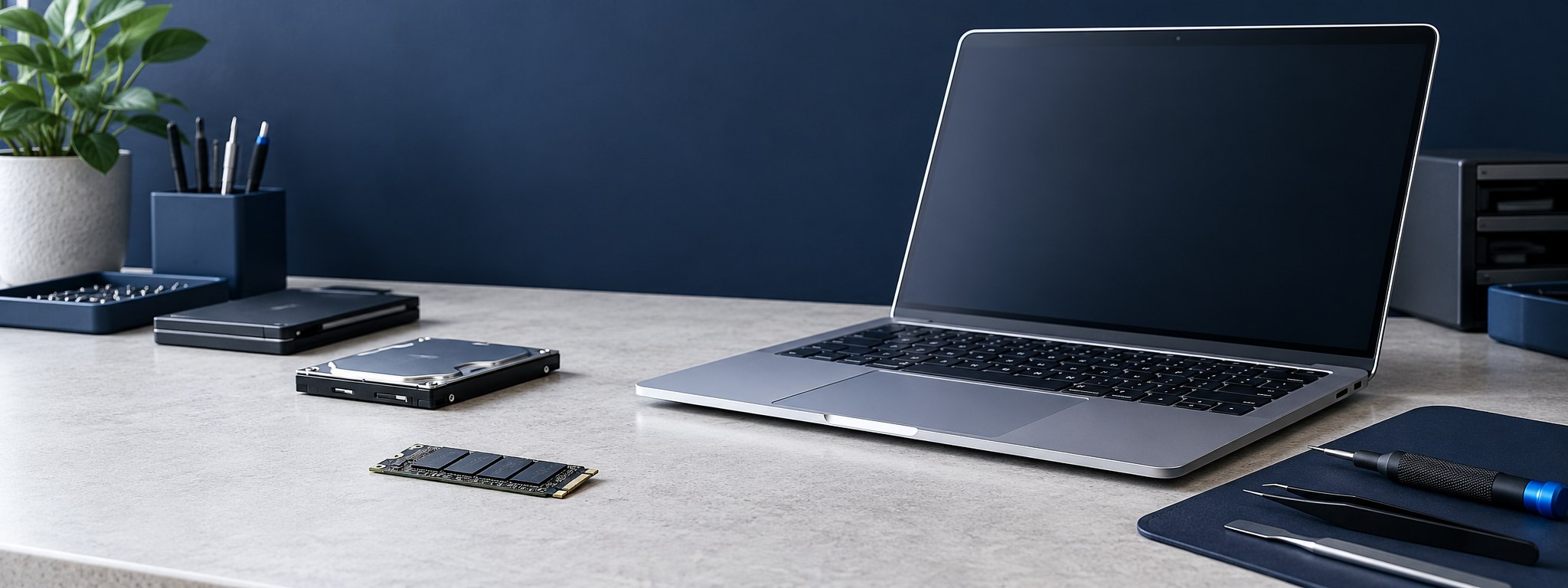
MacBook will not start? iMac storage is inaccessible? Talk with us about your device and the data you need.
Discuss SSD, HDD, APFS, Fusion Drive, and encryption-related problems with our team. Feasibility depends on the model, failure, storage condition, and credentials.
We discuss cases involving inaccessible data, storage faults, startup problems, file system corruption, or accidental deletion. The storage design varies considerably by model year.
Assessment for MacBook Pro devices with SSD, startup, logic board, liquid exposure, or file access problems. The exact model and chip generation affect available options.
Discuss a MacBook Air that will not boot, shows a storage error, or has files missing after an event. Some models use integrated storage and security components.
Contact us with the model identifier and symptoms. Apple desktop storage architecture differs across generations and configurations.
MacBook recovery depends on the model year and the way its internal storage is connected and protected. The same symptom can have different causes across generations, so share the model or year if you know it.
For a MacBook Pro that will not start, is stuck at the Apple logo, or has an SSD or logic board problem, recovery depends on whether the fault is with startup software, the storage, or the hardware that protects access to it. An assessment can help distinguish those possibilities.
MacBook Air models span several storage designs. A MacBook Air SSD data recovery enquiry may involve an inaccessible volume, accidental deletion, a boot issue, or board damage. Feasibility depends on model, storage condition, encryption, and any credentials needed to unlock the data.
A no-power symptom does not by itself show whether files are lost. On some newer Macs, the original logic board and security components are important to accessing encrypted internal storage. Avoid erasing or replacing parts before considering the data.
MacBook recovery depends on more than whether a storage chip can be read. Platform security and encryption can be central to access.
If data matters, avoid erasing the Mac, reinstalling macOS, or repeatedly attempting repairs until the situation is understood. These actions can change data or complicate assessment.
A Mac that does not power on may have a power or board fault while its storage remains intact; whether the data can be accessed depends on that model's security design and the specific failure.
Discuss your Mac modelWe assess iMac storage access problems across supported generations. Provide the model year, symptoms, and any recent repair or software changes.
Mechanical hard drives can develop physical or logical faults. Unusual clicking, repeated spin-up, or detection problems merit careful assessment. Avoid repeated power cycling.
SSD recovery options vary with the model, controller, encryption, and TRIM behavior. Deleted data on an SSD may become unrecoverable after blocks are trimmed.
A Fusion Drive combines flash storage and a hard drive into a logical volume. Both components and their relationship may matter; do not separate or initialize them before assessment.
Startup messages and storage alerts are clues, not a diagnosis. Here are common situations that may lead someone to request a professional data recovery assessment in Mumbai.
This can mean the Mac cannot find a usable startup disk. It does not confirm that personal files are gone. If important data is not backed up, avoid erasing the drive or reinstalling macOS until you understand the storage condition. See Apple’s startup guidance →
A Mac that stops during startup can have a software, file system, peripheral, or hardware issue. Repeated repair attempts may change the storage. Tell us what appears on screen and what happened before the problem.
A missing startup volume may relate to the storage, logic board, or file system. MacBook SSD data recovery options vary by generation; encrypted internal storage can require the original hardware and valid credentials.
If a MacBook has had liquid exposure or a suspected logic board failure, avoid repeated power-on attempts. Data access on modern Macs may depend on restoring the original hardware enough to use its security components.
Slow access, repeated errors, or a missing internal drive can point to different problems. If a hard drive makes unusual noises, shut the iMac down and ask about assessment rather than repeatedly restarting it.
An iMac Fusion Drive combines flash and hard drive storage as one logical volume. Keep both components together and do not initialize or separate them before assessment; the configuration and condition of each part can matter.
A useful assessment starts with the actual device and failure, not a generic recovery promise.
| Technology or issue | What it means | Recovery consideration |
|---|---|---|
| APFS | Apple File System is used on modern macOS storage and supports features such as snapshots and encryption. | Volume corruption or deletion may affect metadata and snapshots; continued use can overwrite data. |
| FileVault | Full-disk encryption protects stored data using credentials and cryptographic keys. | Valid credentials or a recovery key may be essential. Encrypted data cannot simply be read from a chip without decryption keys. |
| T2 / Apple Silicon security | Security functions and storage encryption are tied to the platform and hardware. | The original hardware and its security components may be needed. Chip removal alone does not defeat encryption. |
| SSD TRIM | TRIM can tell an SSD that deleted blocks are no longer needed. | Once trimmed and cleared, deleted data may not be recoverable. Stop using the device promptly. |
| Logic board failure | Power, liquid, or component damage can prevent startup or storage access. | Board repair may be part of an access path, especially where storage security is integrated. |
| Fusion Drive | Flash and HDD components work together as a logical storage pool. | Both devices and the correct configuration may be needed to reconstruct the volume. |
This is general information, not a diagnosis. Model-specific assessment is required.
Keep the device and any external storage together. Note recent actions, error messages, passwords or recovery key availability, and the exact model if known.
Our listed address is at Walker House, Lamington Road, Grant Road, Mumbai 400007. Contact us before travelling to confirm directions and discuss your device.
Open the listed address in Google Maps →Map link uses the supplied address; confirm the exact map pin before publication.
There is no single price that fits every MacBook or iMac data recovery case. A case-specific quotation depends on the device and the work that may be needed.
Describe the symptoms and model if known. We can discuss assessment options and explain the proposed scope and charges before work proceeds. No recovery result or price is guaranteed before assessment.
Request an assessmentA clear recovery process
Each case differs. We explain findings and proposed work so you can make an informed decision before recovery proceeds.
Describe what failed, what data matters, and which steps have been tried.
Discuss the device, symptoms, and ways to arrange assessment.
Review condition and explain proposed approach, risks, costs, and timing where known.
Work proceeds after you understand and approve the scope and charges.
Carry out the approved approach while carefully preserving source media.
Where available, review a file listing or verification before arranging delivery.
Agree on a suitable destination drive and delivery method for recovered data.
Discuss questions about the recovery outcome and next steps for storage.
Sometimes. It depends on whether the issue is power, logic board, storage, or another component. On T2 and Apple Silicon models, hardware security and encryption can make the original device components necessary.
Possibilities depend on the failure, device condition, encryption credentials, and required hardware security components. NAND removal alone does not provide decrypted access.
Possibly, but SSD TRIM may clear deleted blocks, and continued use can overwrite data. Stop using the Mac and seek an assessment promptly. No outcome can be guaranteed.
An assessment may be possible. The flash and hard drive components work together, so both components and their configuration can matter.
We cannot promise access without valid credentials or the recovery key. Encryption is designed to prevent access without the necessary keys.
Cost depends on the model, fault, storage condition, and recovery work involved. Contact us for an assessment and case-specific quotation before approving work.
Contact Apple Data Recovery at +91 98331 51550 or kishore@datarecoverymumbai.co.in. Listed address: 42/44, Walker House, Tribhuvan Rd., Lamington Rd., Grant Rd., Mumbai, Maharashtra, India, 400007.
We are presented as an independent data recovery service and do not claim Apple authorization, certification, or endorsement.
You do not need to diagnose the Mac yourself. These observations can help the team discuss the right next step with you.
If the data is important, avoid erasing, initializing, reinstalling macOS, or running repeated repair attempts before getting advice. For a drive making unusual mechanical noises, stop powering it on. Keep related external drives and Fusion Drive components together.
These are cautious general steps. The appropriate action depends on the exact symptom and device.
Explain the device and symptoms. We can discuss an assessment and the factors that affect recovery.
Call +91 98331 51550, email kishore@datarecoverymumbai.co.in, or send an enquiry through WhatsApp.
Tell us the Mac model, storage type if known, and what happened.
☎ +91 98331 51550WhatsApp · Message our recovery team✉ kishore@datarecoverymumbai.co.in42/44, Walker House, Tribhuvan Rd., Lamington Rd., Grant Rd., Mumbai, Maharashtra, India, 400007.
Google Maps →